Accessibility Isn’t Optional Anymore (And It Shouldn’t Be)
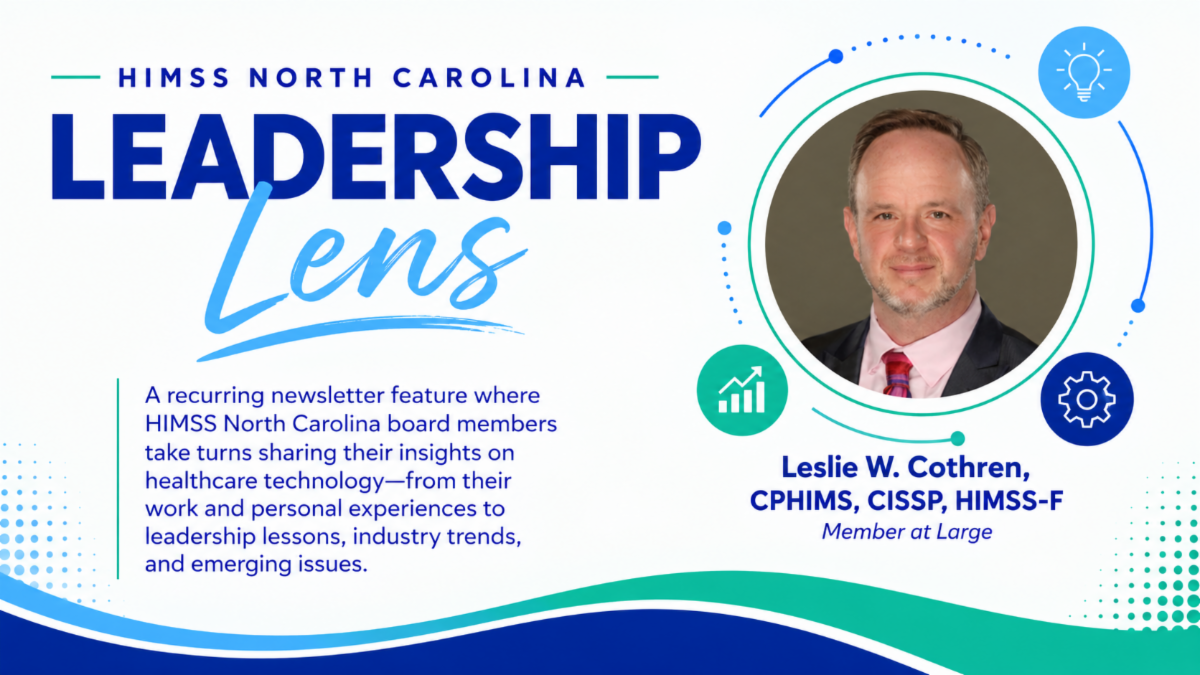
By Leslie W. Cothren, CPHIMS, CISSP, HIMSS-F
I’ve recently stepped into a new IT leadership role at a school for blind and low-vision students, a place where healthcare and education cross paths every day.
It’s opened my eyes (pardon the phrase) to what digital accessibility actually means when the person in front of you depends on it.
Watching someone struggle because their tools aren’t working for them changes your perspective quickly. Maybe a screen reader crashes, a PDF lacks accessibility features, or a website has no alternative text describing the images on the screen.
These aren’t just technical inconveniences. They can prevent someone from accessing information, completing a task, or participating fully in an experience that others take for granted.
And that’s exactly why digital accessibility matters.
What Is ADA Title II, and Why Does It Matter?
Too many websites, public documents, and digital information sources are not designed to be accessible to everyone.
For years, many organizations have treated accessibility as something they would address eventually, without a clear plan or accountability for getting it done.
That is changing.
In 2024, the U.S. Department of Justice established new digital accessibility requirements under Title II of the Americans with Disabilities Act (ADA). These requirements apply to state and local government entities and cover digital services such as websites, mobile applications, and other online content.
For public-serving organizations, including hospitals, local governments, community colleges, K–12 school districts, and university systems, accessibility is becoming an increasingly important responsibility.
Other requirements, including those under Section 1557 of the Affordable Care Act, also address accessibility for certain healthcare organizations receiving federal financial assistance.
The message is clear: digital accessibility needs to be part of how organizations operate, not an afterthought.
Important Digital Accessibility Deadlines
Organizations should understand which requirements apply to them and when they need to comply.
Here are the key dates highlighted in this article:
- April 26, 2027: ADA Title II compliance deadline for public entities serving populations of 50,000 or more.
- April 26, 2028: ADA Title II compliance deadline for public entities serving populations under 50,000.
- 2026–2027: HHS Section 1557 web accessibility requirements are being phased in, depending on factors such as the entity’s size and funding source.
Litigation is also an ongoing concern. Website accessibility lawsuits under ADA Title III have exceeded 4,000 filings annually, with healthcare organizations consistently among the sectors targeted.
These developments make it important for organizations to understand their obligations and take practical steps toward accessibility.
What Does an Accessible Website Look Like?
Digital accessibility means designing websites, documents, applications, and other digital tools so that people with disabilities can use them.
For example, an accessible digital experience may include:
- Screen-reader compatibility: Ensuring that people who use assistive technology can navigate and understand digital content.
- Alternative text for images: Providing descriptions that help people using screen readers understand meaningful visual content.
- Accessible documents: Creating PDFs and other documents that can be navigated and understood using assistive technology.
- Accessible navigation and interactions: Making sure users can navigate websites and complete tasks using different input methods, including a keyboard.
These features help make digital information more usable and accessible to a wider range of people.
A Practical Framework for Improving Accessibility
The North Carolina university system has established a framework for implementing digital accessibility improvements.
The approach includes several practical steps:
- Adopt an accessibility standard. Use WCAG 2.1 Level AA as a baseline for accessibility efforts.
- Audit existing digital content. Review websites, applications, documents, and other public-facing digital resources to identify accessibility barriers.
- Address identified issues. Prioritize and remediate problems that prevent people from accessing or using digital content.
- Build accessibility into procurement. Consider accessibility when selecting and purchasing new technology and digital services.
- Train teams. Help staff understand how to use accessibility features and incorporate accessible practices into their everyday work.
Accessibility is not a one-time project. It requires ongoing attention, planning, and a commitment to making digital experiences usable for everyone.
Why Accessibility Matters to Me
In my daily IT role, accessibility is the difference between a successful student and one who cannot use the basic tools in front of them.
My mission, and that of the organization that employs me, is to help send these students into a world where they have the same potential as every other student in every other school.
But to do that, we have to educate the world around us to provide tools for everyone.
That means creating digital experiences that don’t exclude people simply because their needs are different.
These new rules help us empower them every single day.
You can too.
Take the Next Step Toward a More Accessible Digital Experience
At Refocus Information Technology, we help organizations improve their digital presence through website design, development, maintenance, and technical support.
If your organization is evaluating its website or looking for ways to improve accessibility, start by reviewing your current digital content and identifying areas that may need attention.
Contact Refocus Information Technology to discuss your website and digital accessibility needs.